
# octopus-file-browser
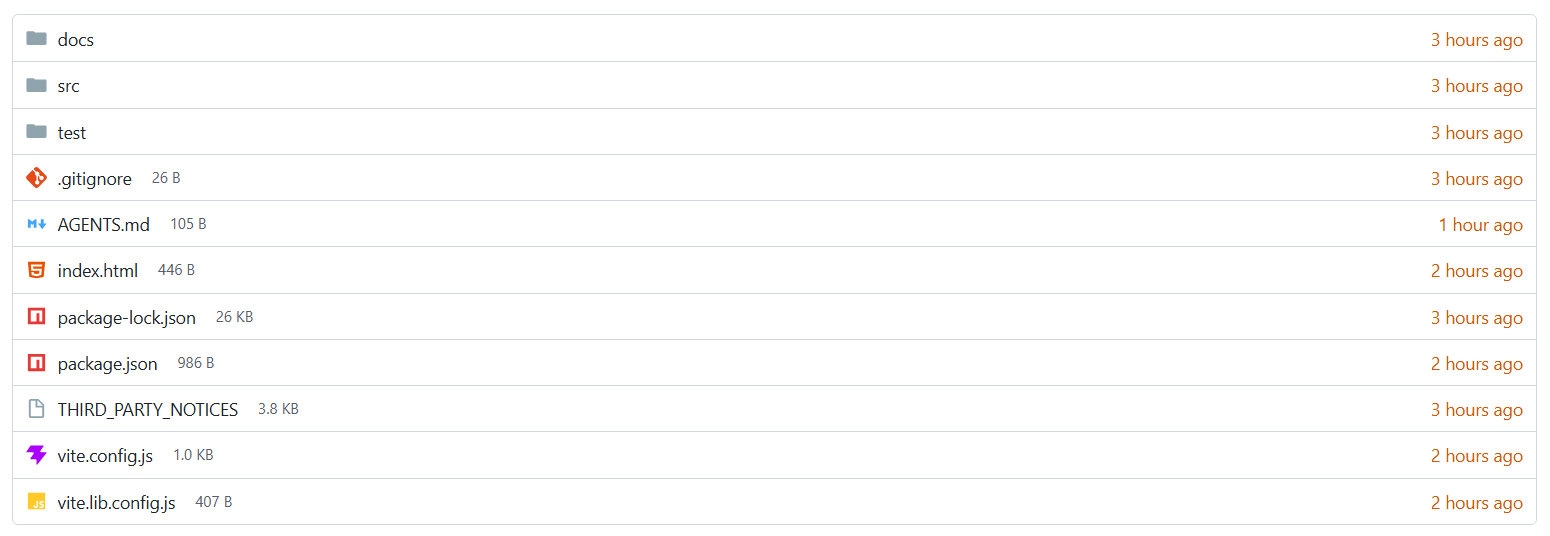
A responsive, framework-free file browser inspired by Gitea. It ships as an accessible Web Component with Material Icon Theme icons and no runtime dependencies.
## Install
```sh
npm install octopus-file-browser
```
## Use
```html
```
Importing the package registers ``. Directories navigate automatically; selecting a file emits `octopus:open`.
## Entry data
| Field | Type | Description |
| --- | --- | --- |
| `name` | `string` | Displayed filename. |
| `type` | `"file" \| "directory"` | Entry kind. |
| `size` | `number` | File size in bytes. |
| `modified` | `Date \| string \| number` | Modified time. |
| `children` | `OctopusEntry[]` | Directory contents. |
| `icon` | `string` | Optional custom icon URL. |
Directories are sorted before files. Names use natural, case-insensitive sorting.
## API
| API | Description |
| --- | --- |
| `browser.entries` | Gets or replaces the root entry array and returns to root. |
| `browser.path` | Current directory path as a new array. |
| `browser.navigate(path)` | Navigates to a directory path, for example `['src', 'assets']`. |
| `empty-label` | Attribute controlling the empty-directory message. |
| `octopus:open` | Event with `{ entry, path }` when a file is selected. |
| `octopus:navigate` | Event with `{ entries, path }` after navigation. |
The package also exports `OctopusFileBrowser`, `createOctopusFileBrowser`, `sortEntries`, `formatFileSize`, `formatRelativeDate`, `isRecent`, and `fileKindLabel`. Type declarations are included.
## Theme
Set CSS custom properties on the element:
```css
octopus-file-browser {
--ofb-border: #d0d7de;
--ofb-text: #181c21;
--ofb-muted: #57606a;
--ofb-link: #1f2328;
--ofb-hover: #f6f8fa;
--ofb-focus: #0969da;
--ofb-recent: #d15700;
}
```
## Repository outputs
- `dist/` contains the publishable ESM and UMD/CJS library builds.
- `demo/` is the static demo and can be used as a Cloudflare Pages output directory.
- `npm run check` runs tests and rebuilds both outputs.
See [LICENSE](LICENSE) and [THIRD_PARTY_NOTICES](THIRD_PARTY_NOTICES).